Disney's Hexed World of Witches Controls & Keybinds
Every default bind for movement, magic powers, inventory, map, mount, and photo mode in Hexe.
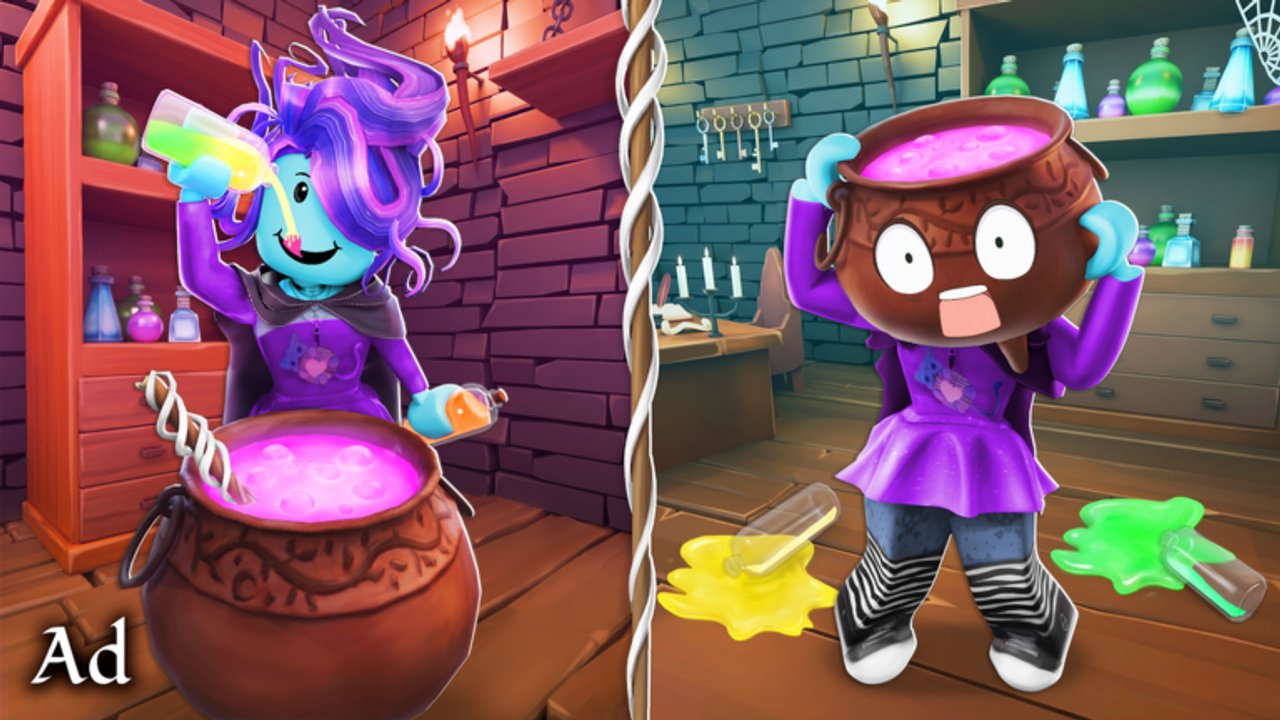
Mastering Disney’s Hexed World of Witches is less about raw aim and more about picking the right tool for each puzzle. Sawhorse designed the Roblox experience so Mouse telekinesis, directional powers, and traversal binds work together across the town square, Forest, and Swamp. This page is the definitive controls reference. Pair it with Getting Started if you are brand new, and with Powers and Potions when you need the why behind each ability.
Default binds below assume a standard keyboard and mouse layout on PC. If you remapped keys in Roblox settings, match the action names rather than the letters. Controllers may mirror these actions through Roblox’s generic mapping — verify in a quiet town square corner before you enter timed puzzles.
Full controls table
| Input | Action | What it is for |
|---|---|---|
| Mouse | Telekinesis | Grab, move, and place props, runes, and puzzle pieces |
| F | Push | Shove objects or create space in crowded puzzle rooms |
| X | Slash | Quick magical cut for marked barriers or combat-style nodes |
| Z | Surround | Area control field for multi-target or protective puzzles |
| T | Resize | Grow or shrink yourself or valid targets to pass gaps |
| C | Magic Blast | Ranged burst to hit distant switches or clear soft blocks |
| Shift | Dash | Short burst movement for gaps, dodges, and speed routes |
| Space | Jump / Fly | Vertical traversal; hold or re-tap based on unlock state |
| B | Index | Open the experience index / collection style menu |
| H | Home | Return toward home or hub routing when lost |
| J | Call Mount | Summon your mount for cross-map travel |
| G | Backpack | Manage ingredients, tools, and carried puzzle items |
| M | Map | Open the map to locate Forest, Swamp, and objective pins |
| K | Photo Mode | Frame screenshots of Hexe without HUD clutter |
Print or pin this table until the letters disappear from your thoughts. Most Star-earning objectives fail because players mash Slash when the prop needed Telekinesis, or they Dash past a Resize gate.
Movement and traversal tips
Dash (Shift) is your short-range fix for ledges and slow walks across the square. Jump / Fly (Space) becomes more valuable once flight-related unlocks or potion buffs appear — treat early sessions as jump-first until the experience clearly enables sustained flight. Call Mount (J) is for distance, not precision: ride between Forest clearings, then dismount before fine telekinesis work.
Home (H) saves runs when Swamp fog or Forest canopy steals your sense of direction. Combine Home with Map (M) instead of sprinting randomly; Star routes on How to Farm Stars assume you can reorient in seconds.
Magic powers in practical puzzles
Telekinesis (Mouse) is the signature Hexed fantasy. Hover interactive props until the highlight appears, then place them on pedestals, into cauldron ranges, or onto pressure supports. If nothing highlights, you are probably aiming at scenery — reposition and try again.
Push (F) solves carts, blocks, and enemies that need displacement rather than destruction. Slash (X) is the opposite: use it when the prompt or VFX marks a cuttable object. Surround (Z) shines when multiple nodes must activate together or when you need a brief control bubble in busy 10-player servers.
Resize (T) is the classic adventure-game gate. Shrink for crawlspaces and grow when weight or reach matters. Magic Blast (C) covers line-of-sight switches across rivers or broken bridges so you do not need a full path rebuild.
Brewing and unlocking more power strength is covered in Powers and Potions. Controls only tell you which key to press; potions tell you when the key becomes strong enough for late objectives.
Inventory, index, and photo tools
Backpack (G) should stay organized. Ingredients for cauldrons, quest items, and temporary puzzle keys compete for attention. Drop junk before you enter a brew station so First Brew style objectives never fail from a full bag.
Index (B) is your collection and progress brain — open it after each major puzzle cluster to confirm Stars and badge progress. Photo Mode (K) is optional for gameplay but excellent for sharing Hexe shots or documenting a stuck puzzle for friends. Trailer energy from the official Hexed video (EnQj-nX--go) is a good mood board for photo composition.
Practice routine (10 minutes)
- Town square: telekinesis five props onto a flat surface without dropping them.
- Dash between two landmarks, then Home back if available.
- Find one Push object and one Slash object; do not confuse them.
- Open Map, mark Forest, mark Swamp, close Map, and walk to the Forest entrance without reopening.
- Open Backpack, note ingredient slots, close, then open Index to see what still lacks Stars.
After that drill, continue Getting Started or jump into Star farming. When you are ready to spend Stars, use How to Get Beef Roger or How to Get Billie Items. Compare priorities on the Tier List, watch Updates for bind or UI changes, and keep Codes handy for promo extras. Broader context sits on Wiki and Players. Cautionary tooling notes remain on Scripts.
Learn the table once, and every later guide on this wiki becomes faster to execute.
Frequently Asked Questions
Quick answers for Hexed Roblox witches.
What does the Mouse do in Hexed World of Witches?
Mouse controls telekinesis: grab, move, and place interactive props and puzzle pieces. It is the core interaction for many Star objectives.
How do I open the map and backpack?
Press M for the map and G for the backpack. Use B for the index and H if you need a home or hub reset while exploring.
When should I use Resize versus Magic Blast?
Use T Resize for gaps, crawlspaces, or weight and reach puzzles. Use C Magic Blast for distant switches or soft blocks you can hit from range.
Is there a mount key?
Yes. Press J to call your mount for cross-map travel, then dismount for precise telekinesis or brew work.
Where do I learn what each power is for beyond the keybind?
Read Powers and Potions for brew unlocks and ability roles, then practice the ten-minute routine on this Controls page.